
Widgets Reference
Text or Numeric Value
Section titled “Text or Numeric Value”
A value widget displays a text or numeric value.
Accepted channel types:
- primitive
string,number
Configuration options:
- Title
- Content alignment
- Content (font) size
- Monospace font
- Numeric value maximum fraction digits
Color Value
Section titled “Color Value”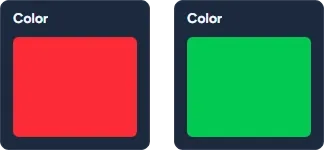
A color widget displays a color based on a string, number or boolean value.
If the bound value is a string then it must contain a valid CSS color.
If the bound value is a number, it is converted to an RGB color, assuming the lowest 8 bits representing Blue, the next 8 bits representing Green, and the next 8 bits representing Red.
If the bound value is a boolean, then the corresponding color configured in the options is used.
Accepted channel types:
- primitive
string,number,boolean
Configuration options:
- Title
- True-value color
- False-value color
Toggle
Section titled “Toggle”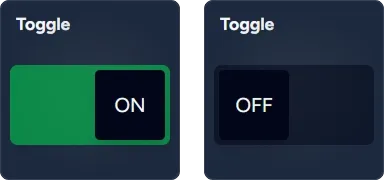
A toggle widget displays a boolean (true/false) primitive.
Accepted channel types:
- primitive
boolean
Configuration options:
- Title
- Interactive
Chooser
Section titled “Chooser”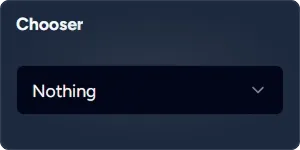
A chooser widget provides a drop-down selector from a list of options.
Accepted channel types:
- composite
SendableChooser
Configuration options:
- Title
- Interactive
Slider
Section titled “Slider”
A numeric slider widget with a configurable range and step.
Accepted channel types:
- primitive
number
Configuration options:
- Title
- Minimum value
- Maximum value
- Step
- Numeric value maximum fraction digits
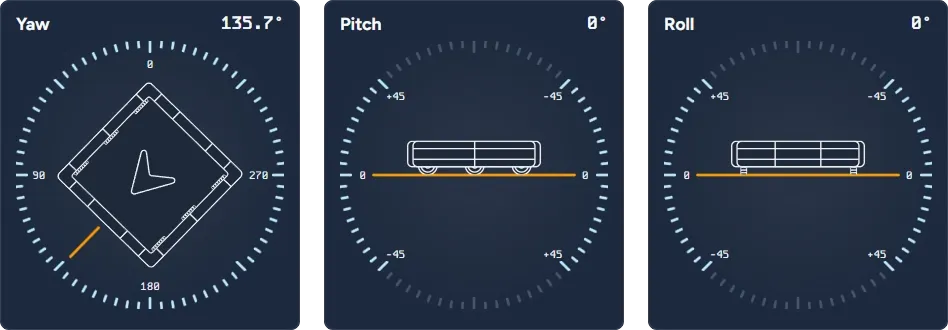
A gyro widget displays a yaw, pitch or roll of the robot.
Accepted channel types:
- primitive
number,number[](interpreted in radians) - structured
Pose2d,Pose3d,Rotation2d,Rotation3d,Quaternion - composite
Field2d,Gyro,ADIS16448 IMU,ADIS16470 IMU
Configuration options (Yaw mode):
- Symmetric dial (-90°…90°) — when enabled shows dial with both positive and negative values
- Clockwise orientation — when enabled shows dial in CW orientation, default is CCW
Swerve
Section titled “Swerve”
A swerve widget displays rotation, module and chassis speeds.
This widget is designed to work with a custom SwerveTelemetry structure that encapsulates information about the swerve subsystem. See ReflectLib for setup instructions.
Alternatively you can bound this widget to a channel representing an array of SwerveModuleState values, but only these module directions and speeds will be shown.
Accepted channel types:
- structured
SwerveTelemetry,SwerveModuleState
Configuration options:
- Title
- Rotate chassis per robot’s pose
- Show chassis speeds
- Maximum linear speed (m/s). Default is 5 m/s
- Maximum angular speed (deg/s). Default is 360 deg/s
Line Chart
Section titled “Line Chart”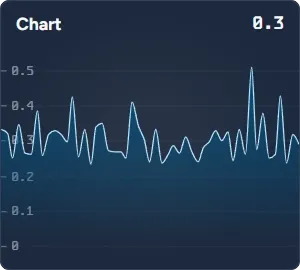
A line chart widget displays a numeric value as a real-time line chart.
Accepted channel types:
- primitive
number
Configuration options:
- Title
- Current value maximum fraction digits
- Axis label maximum fraction digits
2D Field
Section titled “2D Field”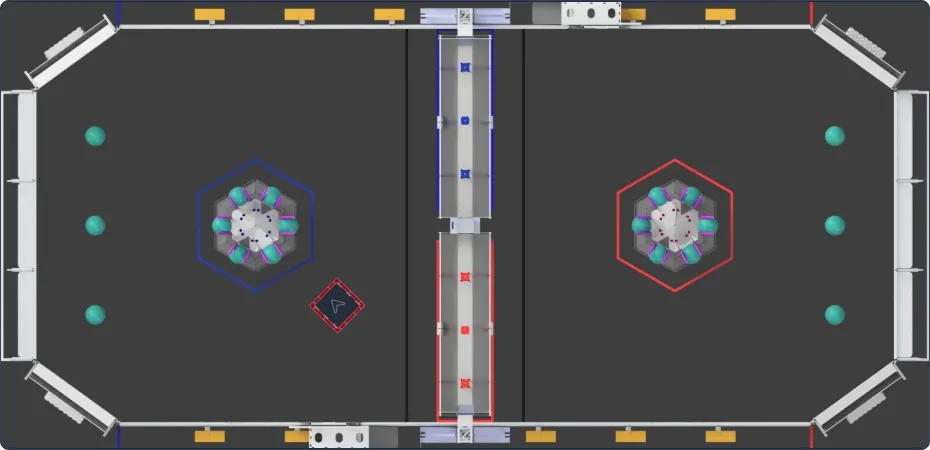
A 2D field widgets displays the pose of the robot on the field. Supports landscape and portrait orientations.
Accepted channel types:
- primitive
number[](interpreted as[x (m), y (m), theta (°)]) - structured
Pose2d,Pose3d - composite
Field2d
Configuration options:
- Style — field variant
- Orientation — landscape 0° or 180°, portrait 90° or 270°
- Bumper size (inches) — robot dimensions

A widget that displays FMS information, including robot state and match information.
This widget comes preconfigured bound to /FMSInfo. You should not typically change the default slot binding.
Match Time
Section titled “Match Time”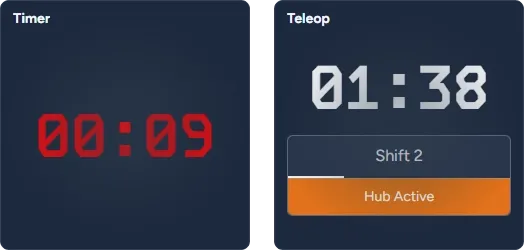
A widget that displays match time, supplemented with the current period and possibly game-specific information.
This widget is designed to work with a custom MatchTime structure that encapsulates information about the match in progress, including game-specific data. See ReflectLib for setup instructions.
Alternatively you can bound this widget to a numeric channel, which is interpreted as the remaining time in seconds.
Accepted cannel types:
- primitive
number - structured
MatchTime
Configuration options:
- Title
- Show game-specific data
- Attention time threshold (pulse animation). Default is 5 seconds
- Caution time threshold. Default is 30 seconds
- Danger time threshold. Default is 10 seconds
Alerts
Section titled “Alerts”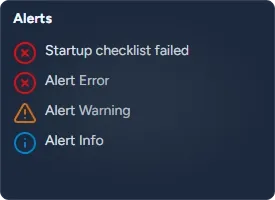
A widget that displays persistent WPILIB Alerts.
This widget comes preconfigured bound to /SmartDashboard/Alerts. You can change the default slot binding to any other alerts channel. For example, Choreo publishes its alerts under /SmartDashboard/Choreo Alerts.
Accepted cannel types:
- composite
Alerts
Configuration options:
- Title
- Show error alerts
- Show warning alerts
- Show informational alerts
Power — CTRE PDP
Section titled “Power — CTRE PDP”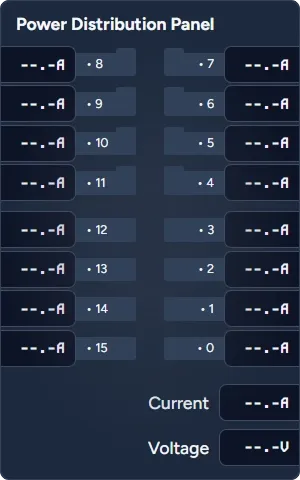
A Power PDP widget displays current and voltage reported by CTRE Power Distribution Panel (PDP).
Accepted cannel types:
- composite
PowerDistribution
Configuration options:
- High-current channel alert threshold (A)
- Low-current channel alert threshold (A)
Power — REV PDH
Section titled “Power — REV PDH”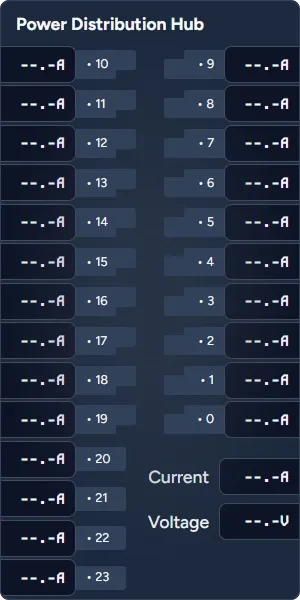
A Power PDH widget displays current and voltage reported by REV Power Distribution Hub (PDH).
Accepted cannel types:
- composite
PowerDistribution
Configuration options:
- High-current channel alert threshold (A)
- Low-current channel alert threshold (A)
Camera
Section titled “Camera”A camera widget displays a video stream. This widget does not require data binding.
Configuration options:
- Network address (IP or hostname)
- Port number (defaults to 1181)
2025 Season Custom Widgets
Section titled “2025 Season Custom Widgets”These widgets have been developed specifically for 2025 FRC season game objectives.
2025 Corals Reef
Section titled “2025 Corals Reef”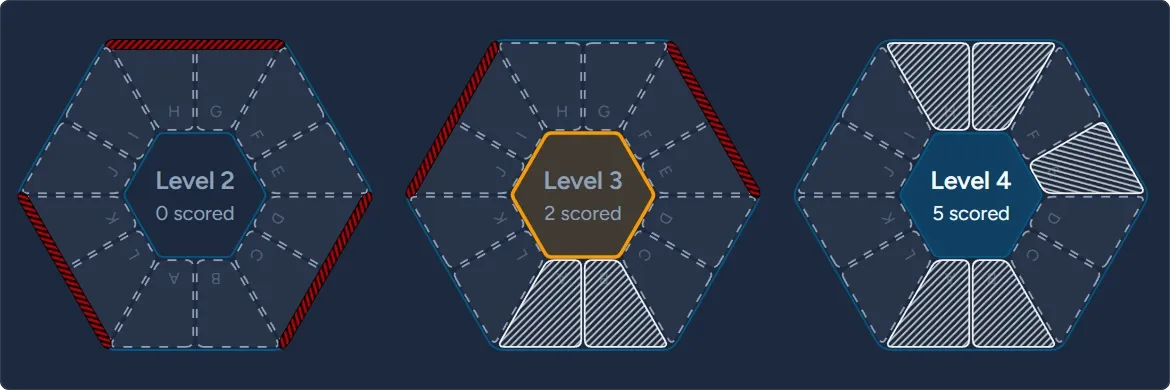
A 2025 Corals Reef widget provides an interactive mechanism to indicate scoring positions on the reef levels (2-4). It leverages custom data type that captures positions scored, algae presence, and target scoring level.
This widget has been developed to allow operators to assist in scoring and track scoring objectives.
Accepted cannel types:
- composite
ReefState(custom type)
Configuration options:
- Letters visible
- Portrait orientation
- Ignore target selection
2025 Algae
Section titled “2025 Algae”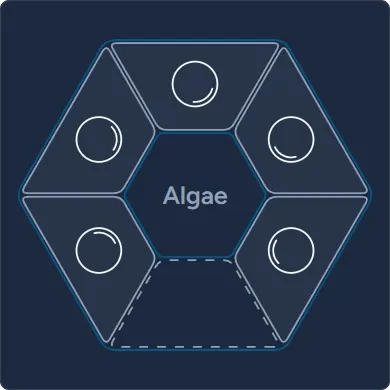
A 2025 Algae Widget accompanies 2025 Corals Reef widget and allows operator to control algae presence on the reef.
Accepted cannel types:
- composite
ReefState(custom type)